Your records now lead to each other
Incidents, assessments and requests link to the vendors and activities they concern, every page and record has its own address, and emails open the exact record they are about.
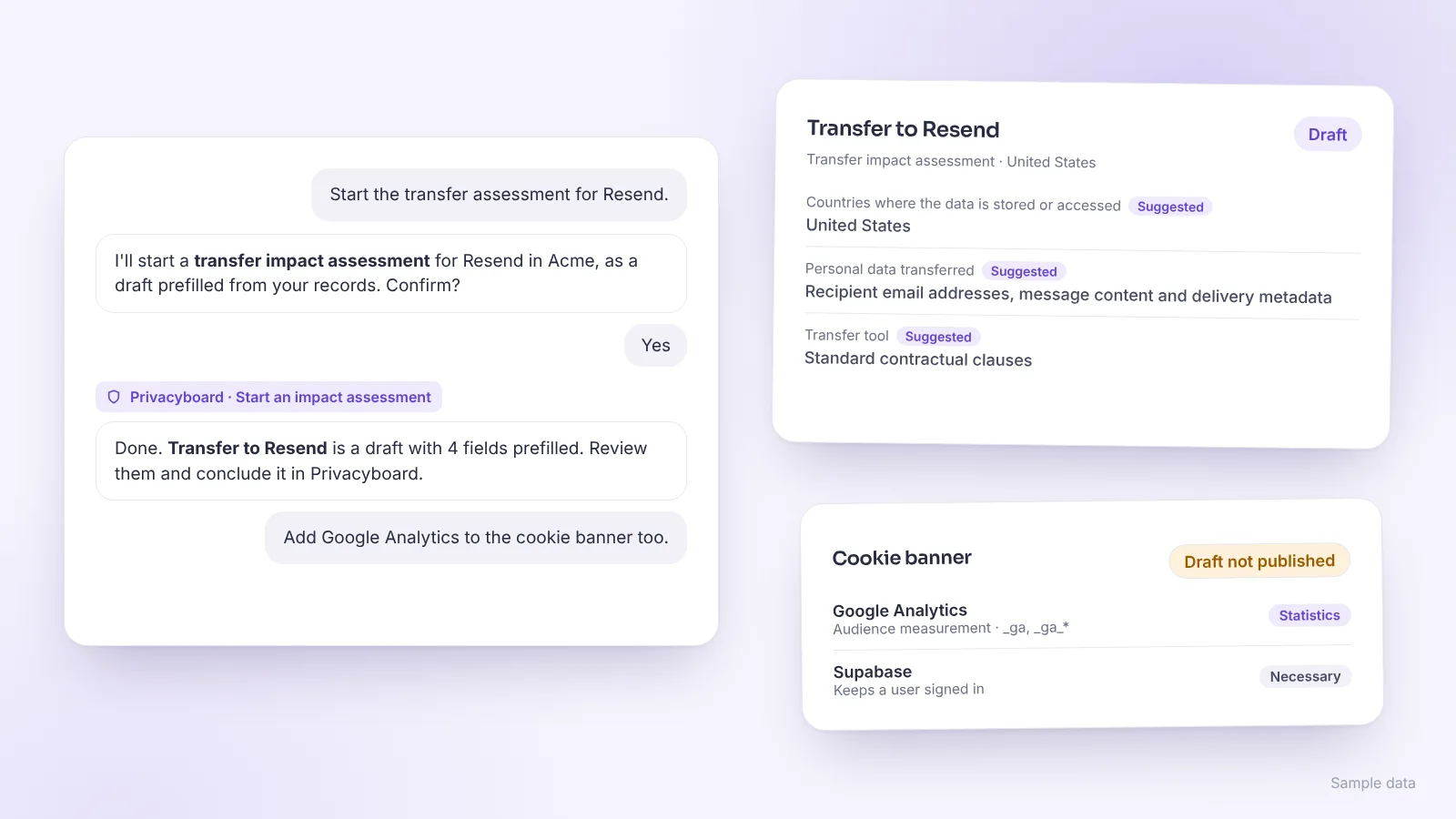
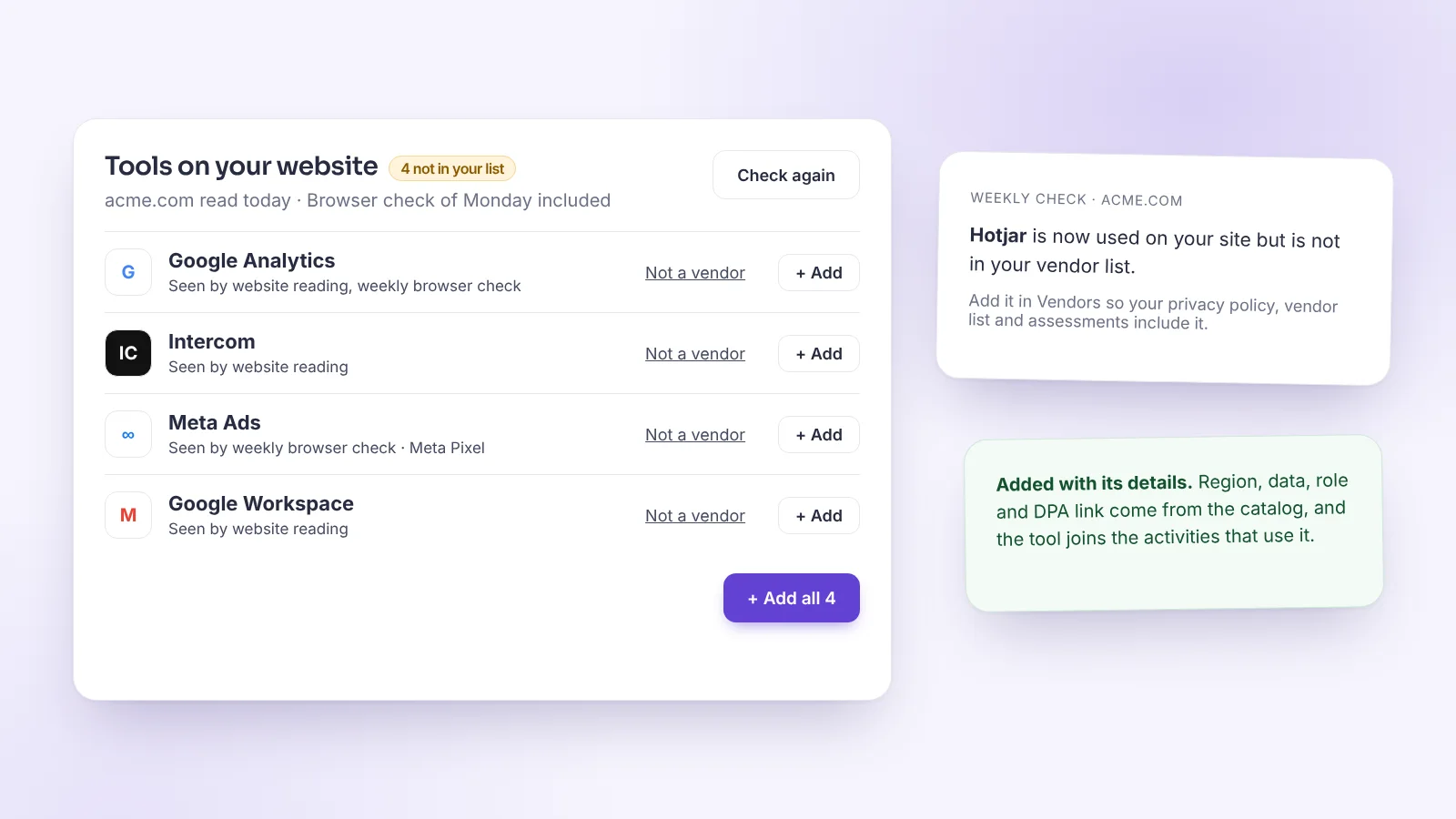
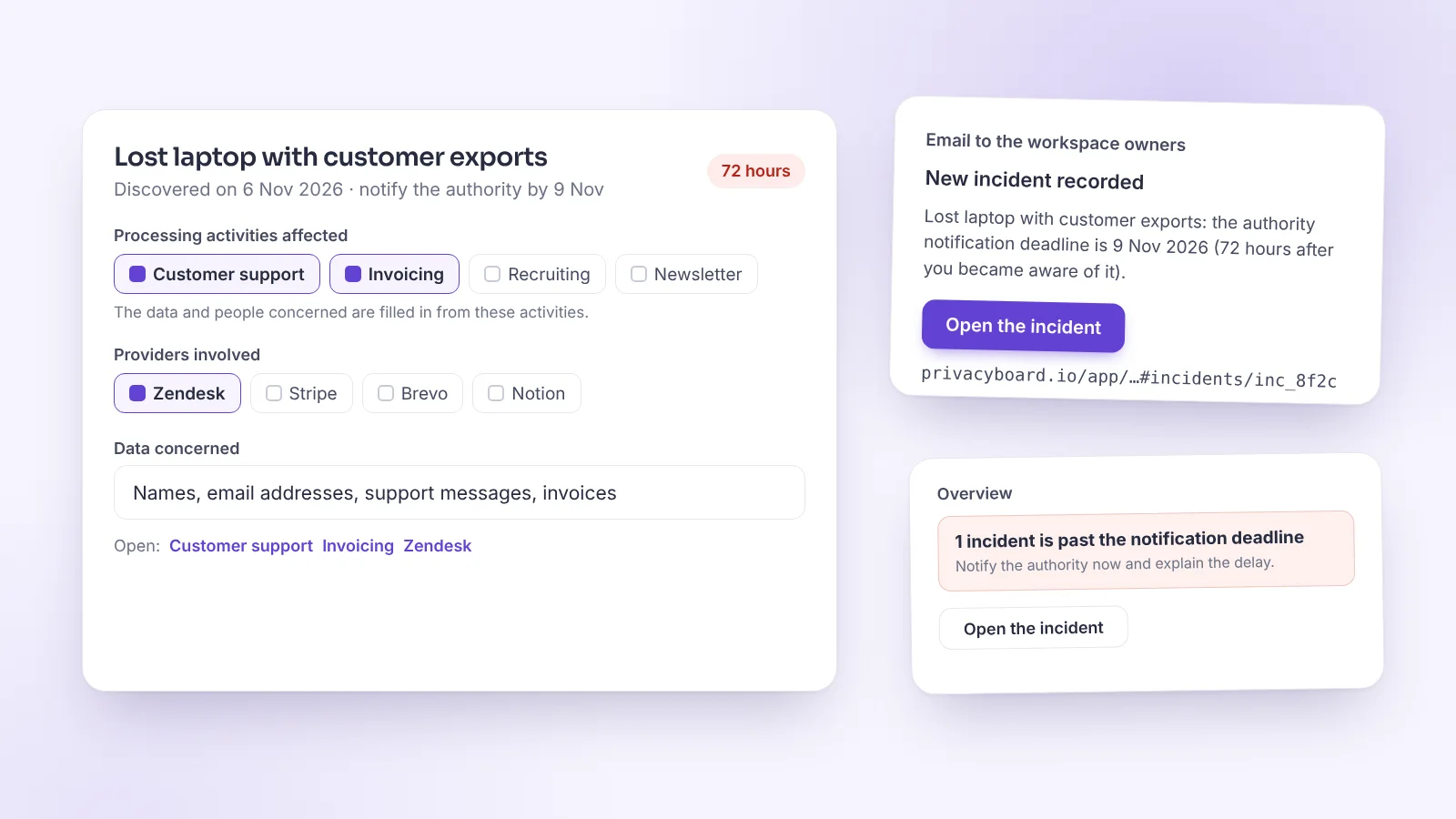
- Incidents: tick the processing activities and providers involved. The data and people concerned are filled in from those activities, and each one opens in a click. An incident created from a vendor alert is linked to that vendor.
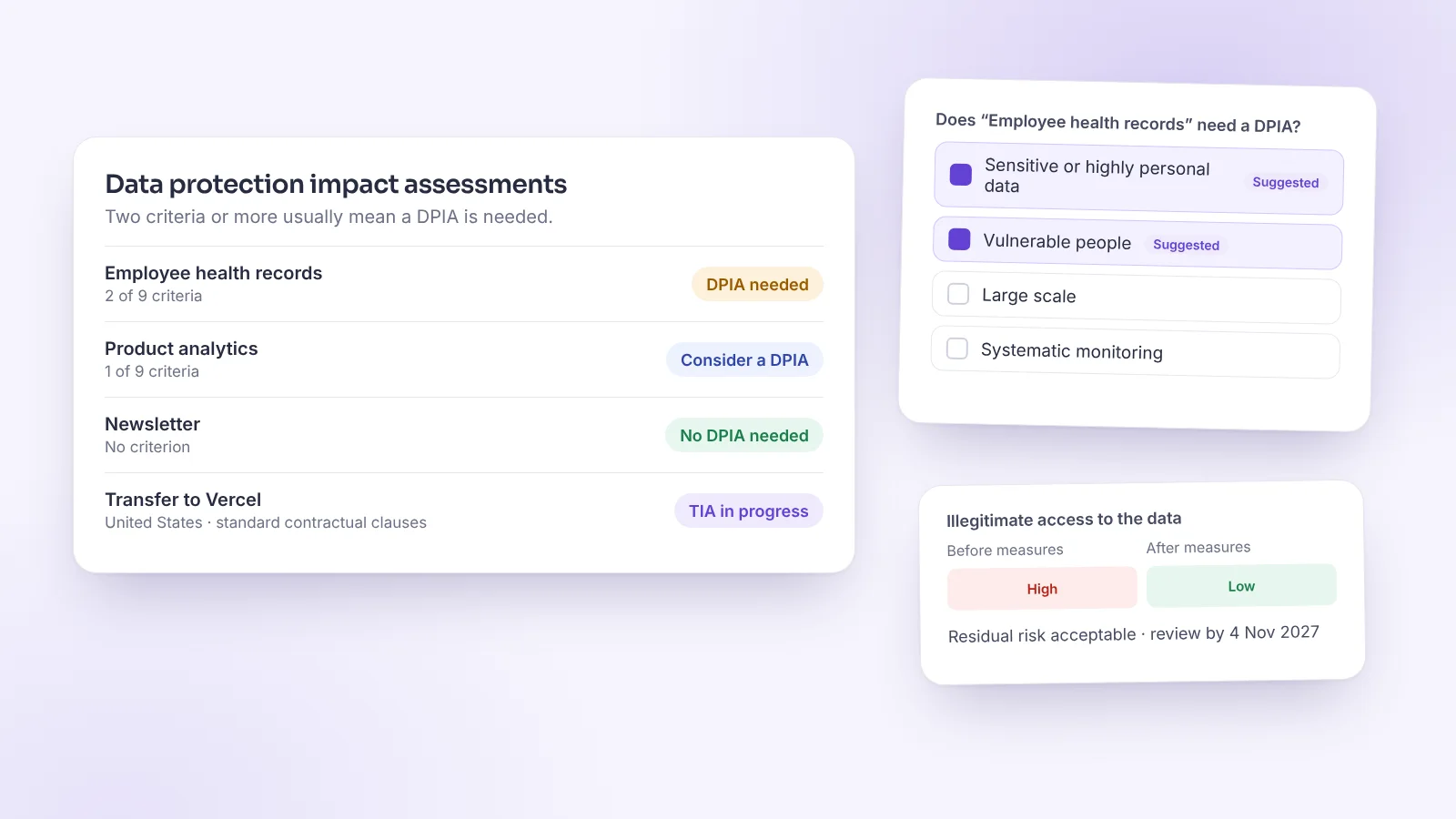
- Assessments: the activity or vendor of each DPIA and transfer assessment opens from the list and from the assessment itself.
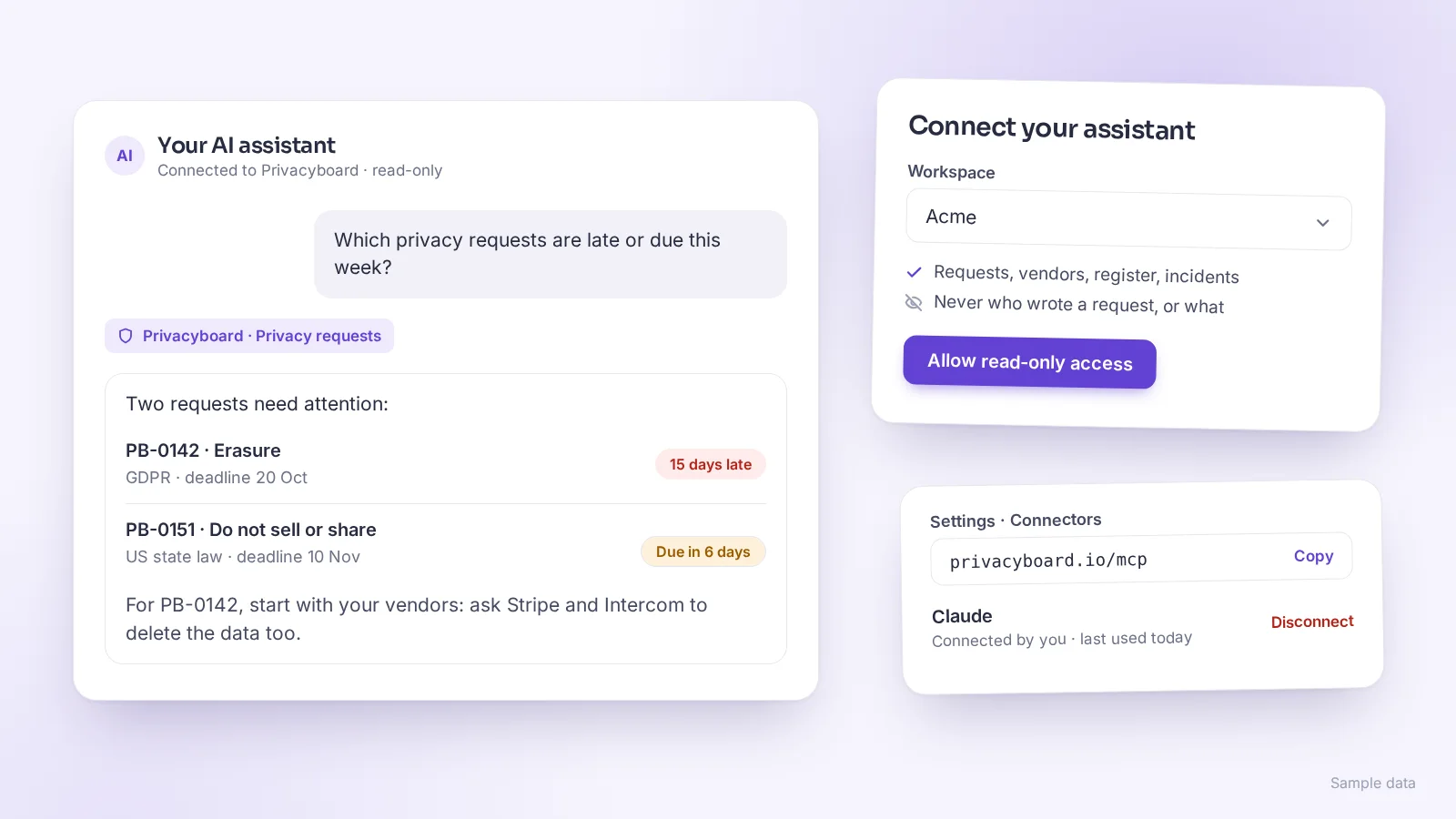
- Privacy requests: when a request means asking your providers or checking your register, the guide links to them.
- Overview: when one record needs you (a late incident, an overdue request, a vendor to complete, an assessment to review), the button opens that record directly. The same goes for “What applies to you” and the checks before publishing your center.
- Addresses: each page and each open record has its own address, so the browser Back button works and you can share a link to a vendor, an activity, a request, an incident or an assessment.
- Emails: a new incident is announced at once to owners and admins, with its notification deadline. Reminders now also cover assessments to review, activities to screen and an outdated privacy center, and owners hear when someone joins the team. Legal deadlines (requests and incident notifications) are reminded on every plan, Free included. Choose your emails in Settings → My account.
- Cookies: when no website is listed for the banner, the website of your company profile is offered in one click. Analytics or advertising vendors in your list now count as an answer to “Does your website use tracking tools?”.
- Overview: once you close “What else Privacyboard does”, it stays as one short line of shortcuts.